|
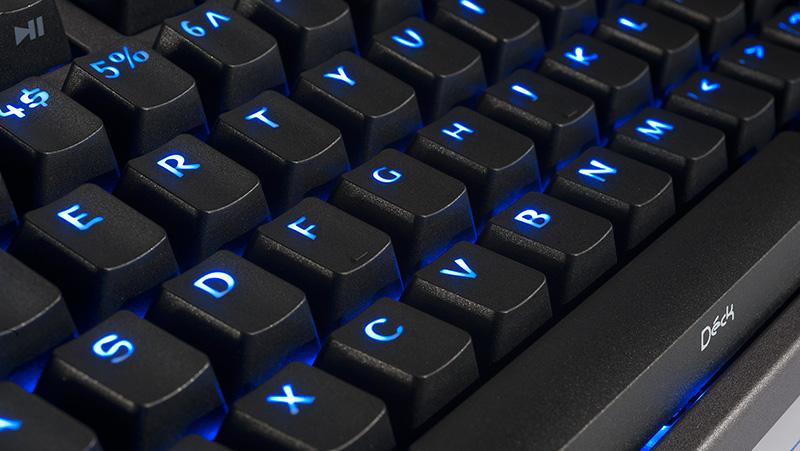
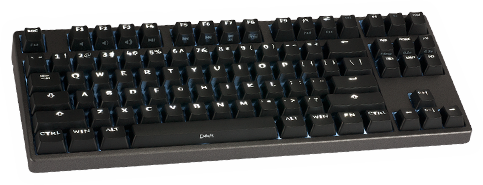
Deck Key Switch Technology Explained So what exactly is the difference between Linear and Tactile? Basically this describes the feel of the key switch used. Picking the model right for you all depends on preference, however most touch typist prefer tactile. Currently our products use Cherry MX series mechanical keyswitches in 2 versions: soft tactile (MX1A-C1NW) and linear (MX1A-11NW). The linear switches have an almost consistent force through the entire stroke of the key. This means that when you first start pressing down on the key all the way until you completely bottom the key out as far as it can go, the force you feel at your finger remains the same. Not much feedback besides when you feel the "thud" at the bottom. The tactile switches have a slightly elevated force around the midpoint of the stroke of the key. So, when you have pressed the key down about halfway, the force increases slightly for a brief moment, and then goes back to normal. This gives your fingers an indication that the key has been pressed so you can stop pressing the key and let up to move on to another key faster. Think of it as a "click" feel without the "click" sound (Cherry does also have a tactile switch - MX1A-E1NW - that also makes the "click" sound much like old IBM keyboards). Other competitor keyboards on the market use membrane technology, which to put it simply, uses a thin membrane layer (something like those plastic overhead projector transparency sheets with circuits inside) with rubber dome-shaped objects that are pressed down by the plastic key plunger. The rubber domes give you the feedback in this case. However this does come at a price as most membrane keyboards have a much lower life span rating (20 million key strokes or much less on average versus 50 million for Deck products). We hope this helps to make an informed decision on the Deck product that is right for you. Questions? Comments? Feel free to post in our forum or contact us by email. |
|